Copilot Command $97
You Have Copilot Through Microsoft. You're Using a Fraction of It.
Copilot Command is the deep course for the tool already sitting inside your email, your documents, and your calendar. Your inbox should not take 40 minutes when the same work can take 8 minutes.
The Reframe
Built for People Whose Work Lives in Microsoft 365.
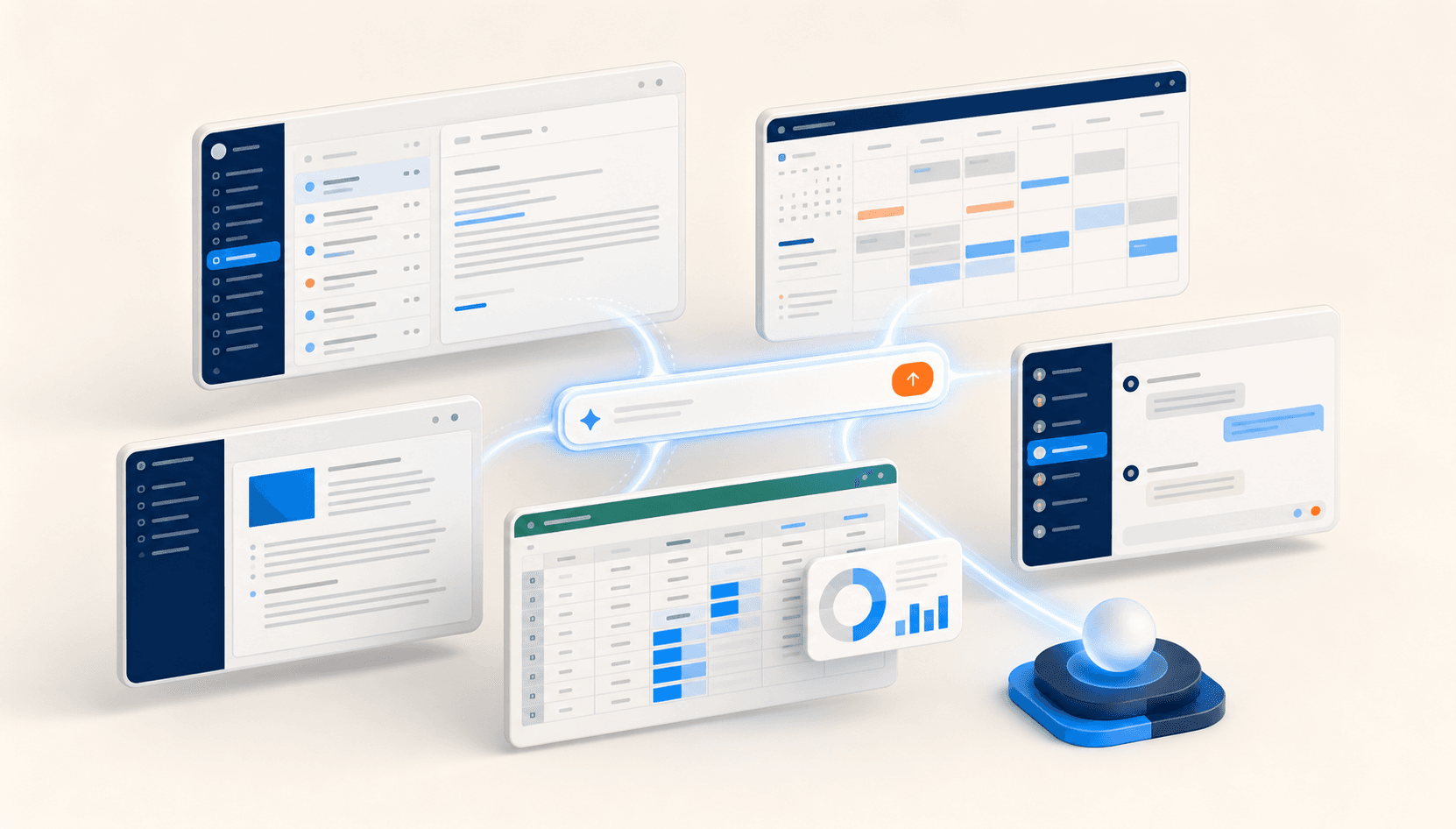
If your day runs through Outlook, Word, Excel, and Teams, Copilot is not generic AI help bolted on the side. Its edge is that it reaches your actual work data, inside the place your work already happens.
You do not need to be technical. You are not writing code. You are directing a tool that already knows your work. If you can write an email, you can run Copilot at a level most of your peers never will.
Built by an operator.

Craig Frazier, Apex AI Founder & CEO
25 years in enterprise IT — Dell Technologies, Capital One, Deloitte. Hyper-converged infrastructure builds. Compute, network, and storage architectures supporting Fortune 100 mission-critical workloads. A career spent designing systems where the cost of getting it wrong is measured in seven figures. The same engineering rigor that produces production-grade infrastructure now applied to multi-agent AI systems. This isn't a course written by someone who recently discovered AI. It's a course written by someone who has spent a quarter century building the systems Fortune 100 companies actually run on.
Outcomes
What Changes After This Course.
Turn inbox review from 40 minutes to 8 minutes with a repeatable Copilot triage flow
Turn a weekly report from 3 hours to 11 minutes without leaving Microsoft 365
Pull real answers out of your own documents, emails, and calendar context
Draft, summarize, and reshape work inside the apps your team already uses
See the single-tool ceiling clearly before you decide what sits above it
Curriculum
What's Inside.
A focused six-module course built around the AI you already have through Microsoft. Each module walks you through one layer of real work — thinking, producing, building, connecting — using Copilot inside the apps you already live in: Outlook, Word, Excel, Teams. The final module is your own working Copilot workflow, built and running before you finish.
The six modules:
By Module 6 you have a working Copilot workflow running in your real Microsoft environment.
Implementation Material
Built to Be Used, Not Just Watched.
Copilot Command replaces passive lessons with working Microsoft 365 plays. You keep the maps and prompt cards so the new workflow survives the week after the course.
Six structured workbooks — one per module — designed to be opened next to your actual work, not read like a book. Every lesson includes guided reflection questions, hands-on exercises run inside your real Microsoft environment, and concrete deliverables you produce before moving on. The workbooks are what turns watching into building.
- Module 1: Self-assessment — your current Copilot usage and where it's leaving value on the table
- Module 4: Build a working Power Automate flow that runs in your real Microsoft account
- Module 6: Your finished Copilot workflow, documented and running
Four dense audience-specific implementation appendices — IT Professional, Solopreneur, Business Operator, Automation Builder. Whichever you are, there's an appendix that translates the course into your exact role with role-specific workflows, deployment patterns, and the considerations that matter in your seat. You read your appendix; the others stay in your library.
- IT Professional Track — Copilot deployment across an organization, governance, tenant-level decisions
- Solopreneur Track — Copilot as your one-person operations team
- Business Operator Track — translating Copilot into team workflows and process change
- Automation Builder Track — delivering Copilot automations as a billable capability
A working prompts library organized by Microsoft app — Outlook for inbox and email work, Word for document drafting and editing, Excel for analysis and modeling, Teams for meeting prep and follow-up. Open the app, grab the prompt, customize it once for your context, reuse it forever.
A documented set of daily and weekly operating patterns that turn Copilot from a tool you occasionally remember into a ritual you actually run. Monday morning inbox reset, weekly status pull, end-of-day handoff — the small repeatable patterns that compound into real change in how your week runs.
A concise reference for the moments Copilot can't do the work — the kinds of tasks that need a different tool, the workflows that hit the Microsoft boundary, the situations where you need to step outside the M365 ecosystem. This is what makes Copilot students good candidates for Apex Orchestration: they know the ceiling, and they know why it exists.
Add the Apex Command Cohort - $47/mo
A course teaches you the skill. The Cohort is where you do not get stuck using it. Once a month, you bring your real challenges to a live call and work through them with Craig and the room.
It is optional and separate from your course. Your course is charged today. If you add the Cohort, billing begins at $47/month starting 30 days from today. Cancel anytime before then and you are never charged for it.
Your 30-Day Money-Back Guarantee
Go through the course. Build with it. If within 30 days it hasn't changed how you work, email us and we'll refund every dollar — no forms, no hoops, no hard feelings. The only risk is staying where you are.
Checkout
Start With the Tool You Already Have.
Ninety-seven dollars to finally use the AI you are already paying for through Microsoft, and to see the system that sits above it. The moment you are in, you join the Apex Command Community.
Every course includes the Apex Command Community - a private room you join the moment you buy, so you're never learning alone.